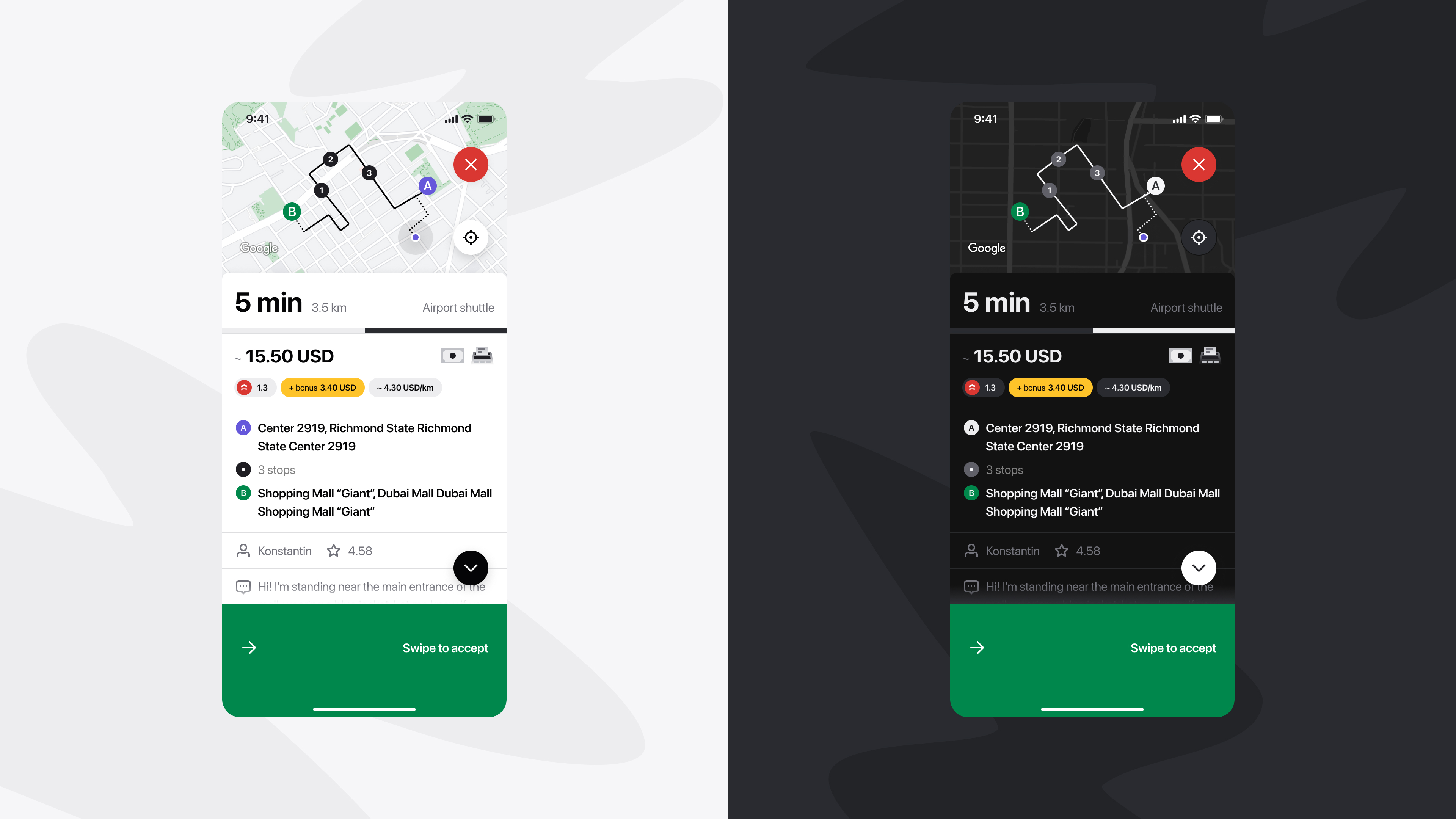
Driving at night can be tough. Bright screens in low-light conditions cause glare, eye strain, and fatigue. With Dark Mode, the Onde Driver app now offers a night-friendly interface that makes late-hour shifts more comfortable and more productive for drivers.
Benefits of the new feature
For Drivers
- More comfort during night shifts
- Reduced fatigue and eye strain
- Improved focus
For Businesses
- Higher driver loyalty
- More completed orders at night
- Better coverage during slower hours
How to enable Dark Mode
- Open the Onde Driver app
- Go to Settings > App Appearance
- Select Dark Mode
You can also watch our explainer video on YouTube:
Like the article? Share it with your friends!