A mobility business can grow in many ways, and smart operators are always looking for the next untapped opportunity to boost revenue. For many taxi and ride-hailing companies, such an opportunity lies close to home — in making better use of the customer base, fleet, and operational systems they already have.
In this article, let's look at how taxi businesses can expand beyond rides, what a Super App model looks like in practice, and how it can be launched in as little as six weeks with the right technology.
What's a Super App and what's in it for you?
Onde’s Super App combines ride-hailing and delivery into one branded platform. Customers use a single app for multiple services, while business owners can generate more orders and make better use of their fleet.
If you've been running a taxi or ride-hailing business for some time, chances are you already have the customers' trust, drivers on the road, and an operations system in place. A Super App can build on that foundation and turn it into a broader service ecosystem.
A switch to the Super App model brings several immediate advantages:
- lower customer acquisition costs, because you’re growing revenue from users you already have;
- higher order volume across multiple services, not just passenger trips;
- stronger user retention, as customers now have more reasons to open your app;
- better vehicle and driver utilization, especially during off-peak ride hours;
- new revenue streams beyond traditional mobility services.
In other words, a Super App can help a ride-hailing business become more resilient while maximizing the value of existing operations.
How Onde's Super App works
Onde’s Super App combines two systems:
1. Onde, which powers your ride-hailing operations
2. Playfood, which powers delivery and marketplace services.
Together, they create one branded ecosystem that supports every side of the business and every type of user.
The easiest way to understand it is by looking at each group separately.
For customers
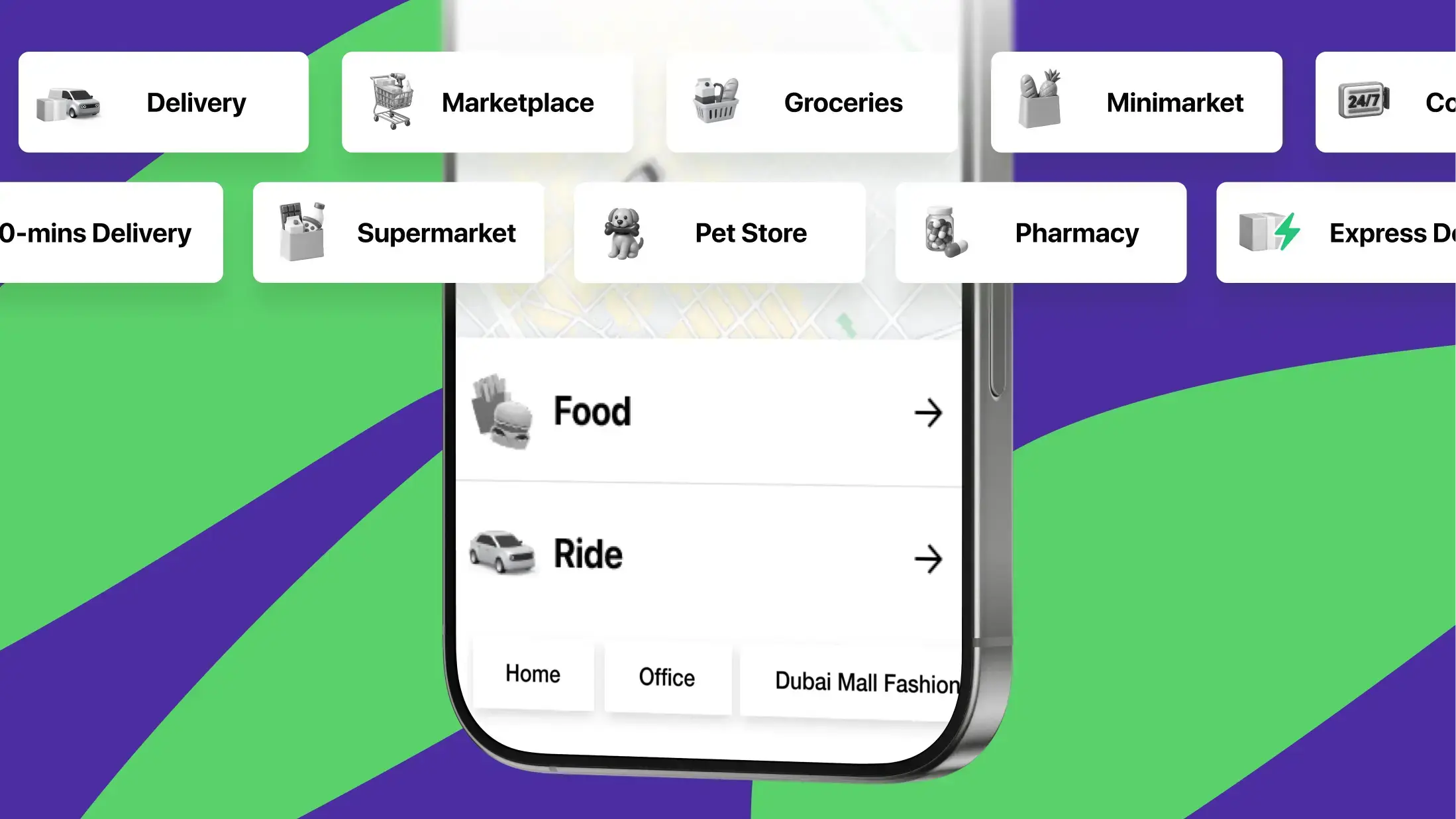
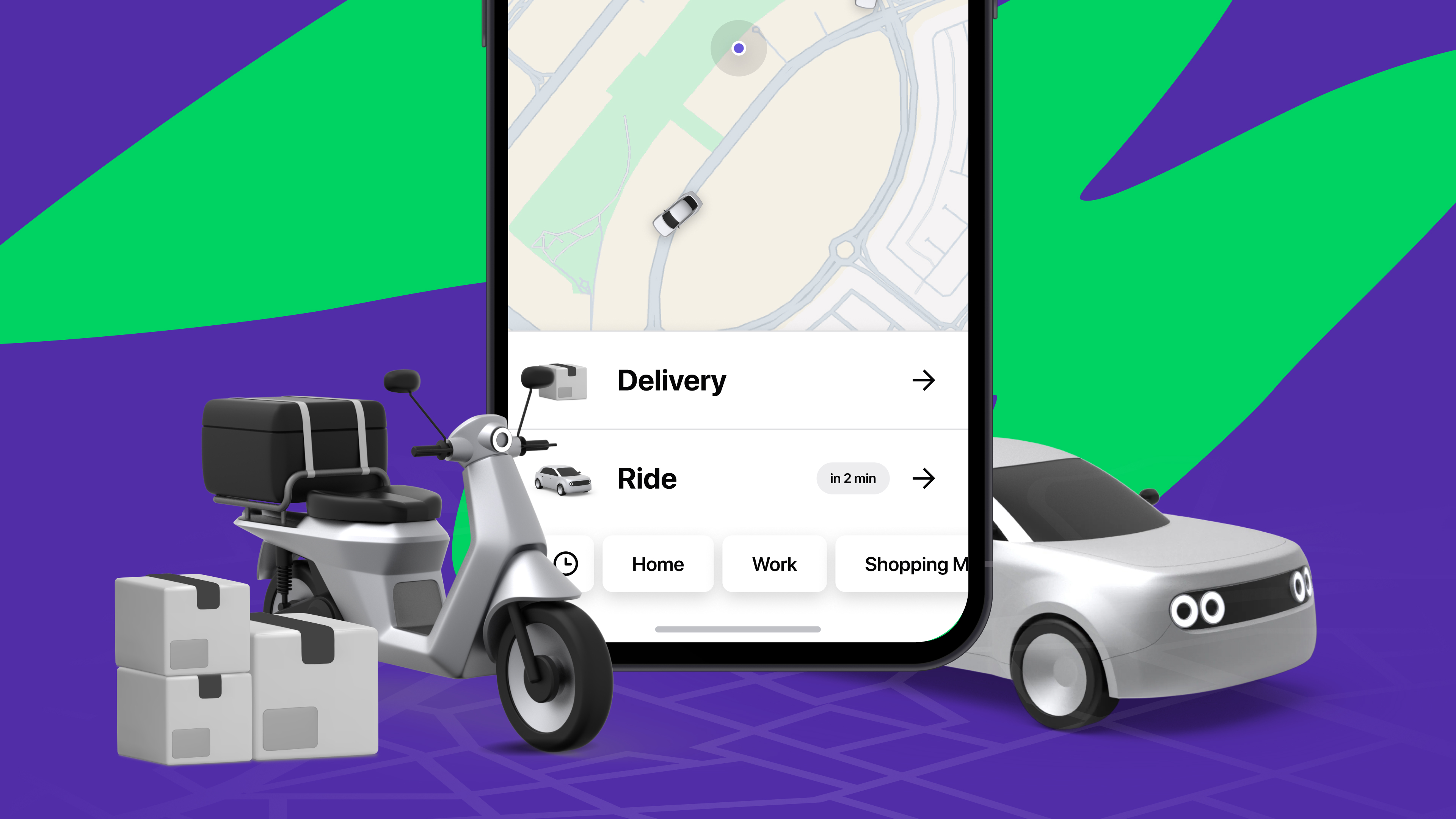
For customers, everything happens in one place: a single branded app customized with your company name, logo, and colors.
From the same app, users can:
- book rides
- order food or groceries
- track rides and deliveries in real time
- access promotions and saved addresses
Instead of switching between different services, they stay within the same familiar experience, and naturally feel like coming back to it again and again.
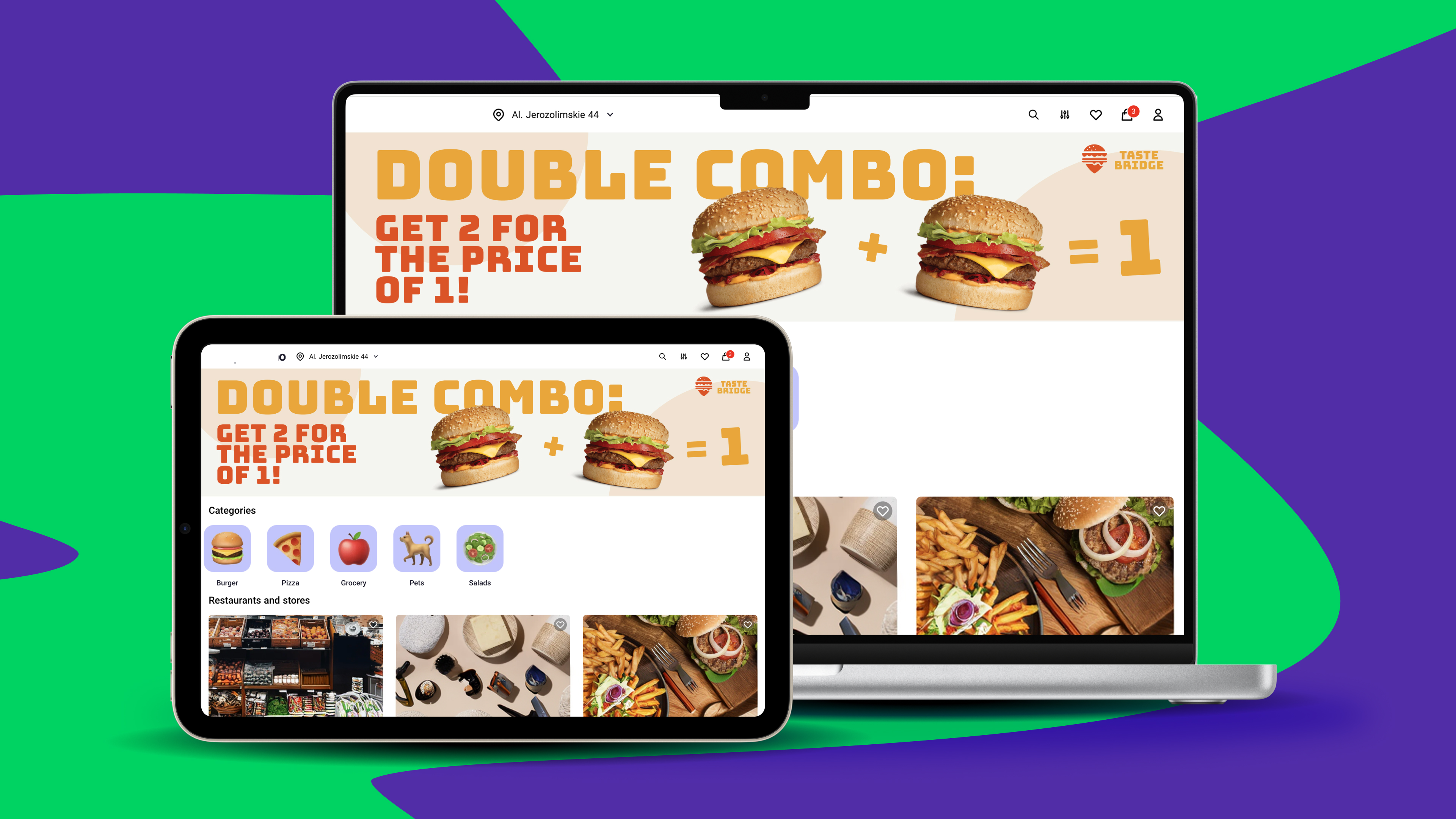
Customers who prefer desktop ordering, or want quick access without downloading an app, can use the option of a web marketplace with the same catalogue and functionality.
For drivers and couriers
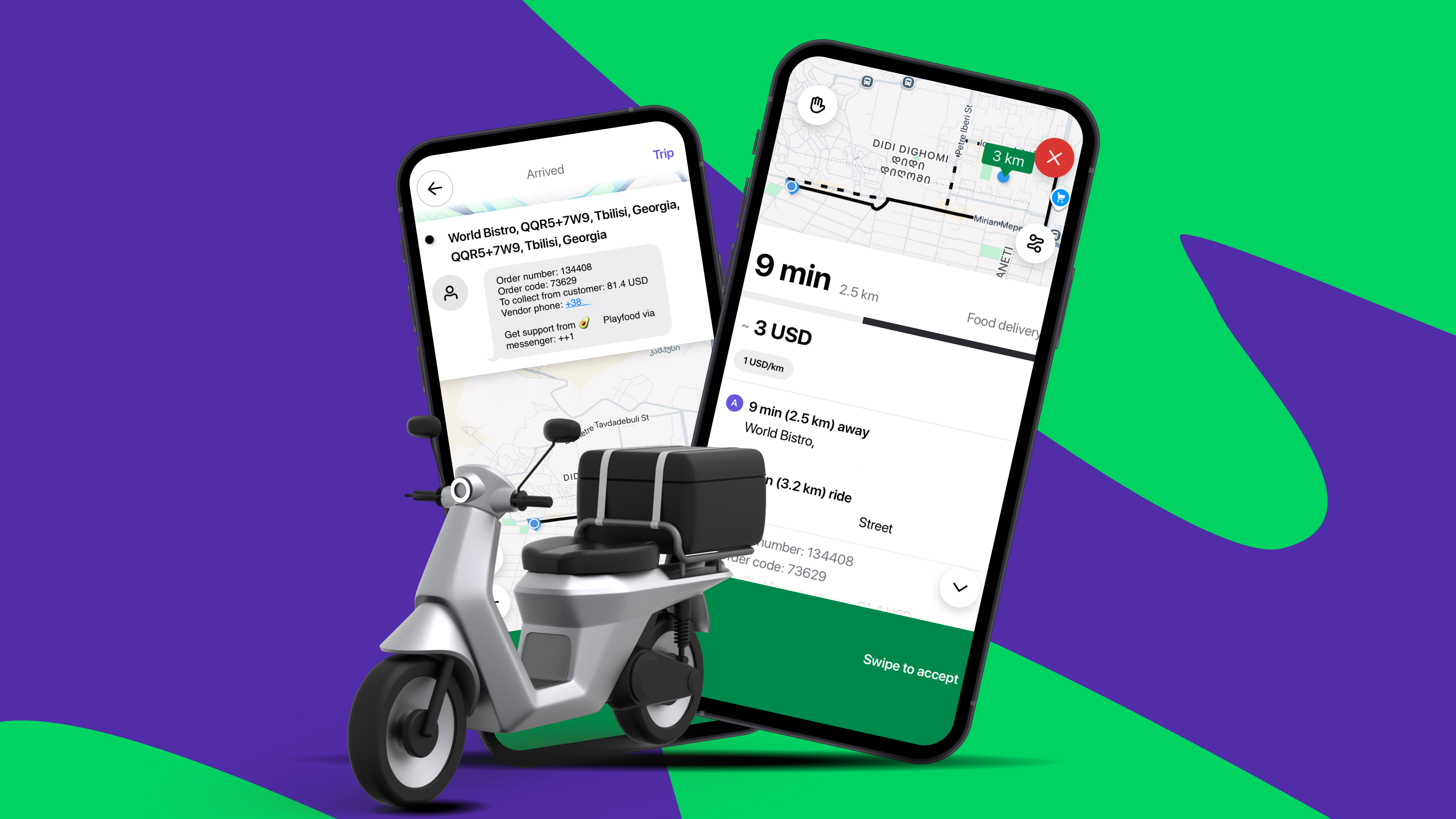
For drivers and couriers, the Super App keeps everything in one mobile app.
The same driver can accept passenger trips during peak hours and switch to delivery orders when ride demand slows. That means less idle time, better earnings opportunities, and stronger fleet utilization throughout the day.
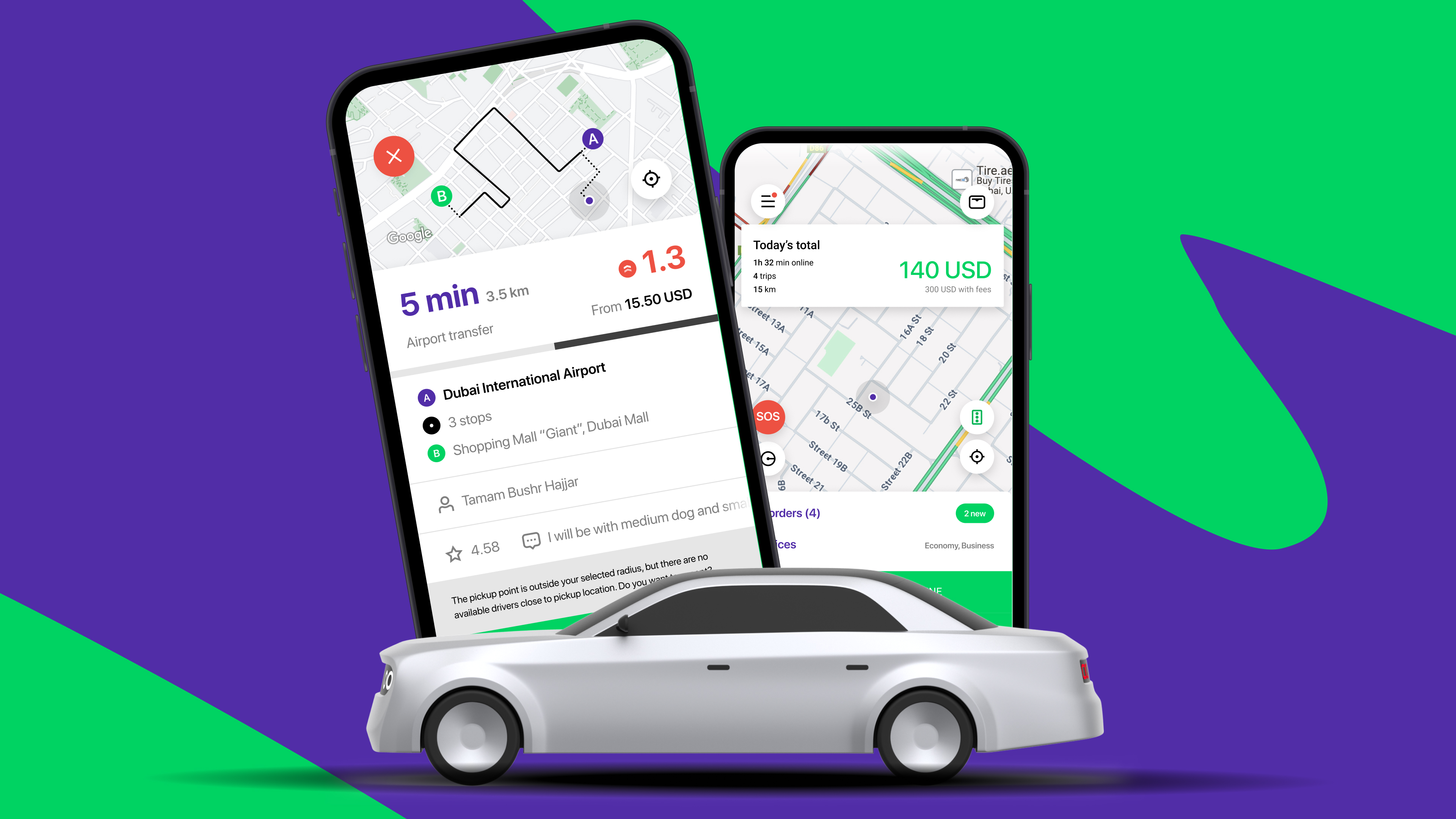
With Onde’s combined driver and courier app, they can:
- receive ride and delivery assignments
- use built-in route navigation
- track earnings and completed jobs
- manage wallet balance and payouts
- switch between ride, delivery, or combined service modes
For vendors
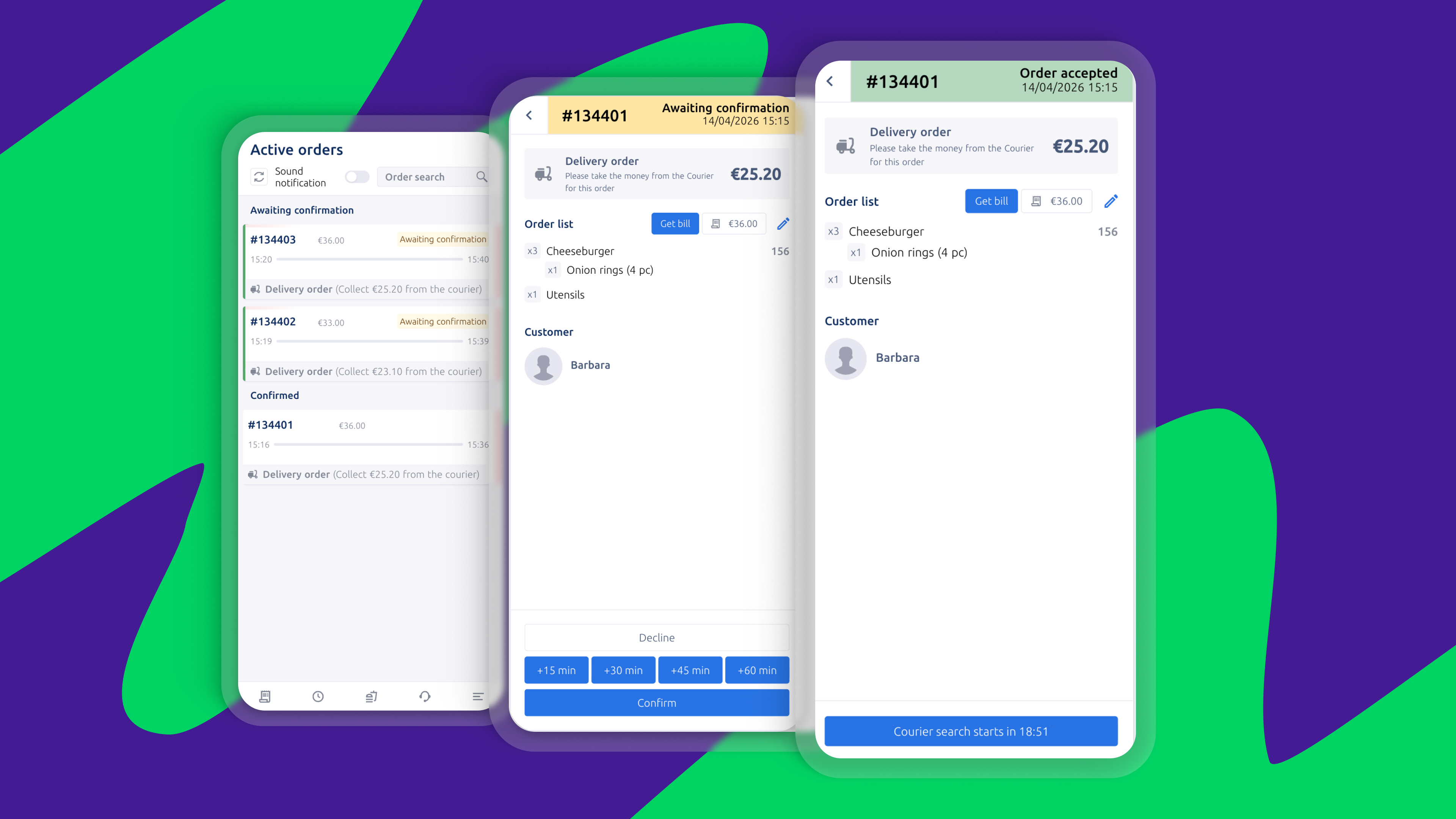
Restaurants, grocery stores, pharmacies, and other retail partners get their own dedicated tools within your marketplace.
Each vendor has access to a mobile vendor app and web vendor panel, where they can:
- manage menus or product catalogs
- update product availability
- receive and confirm orders
- adjust working hours
- monitor sales and performance
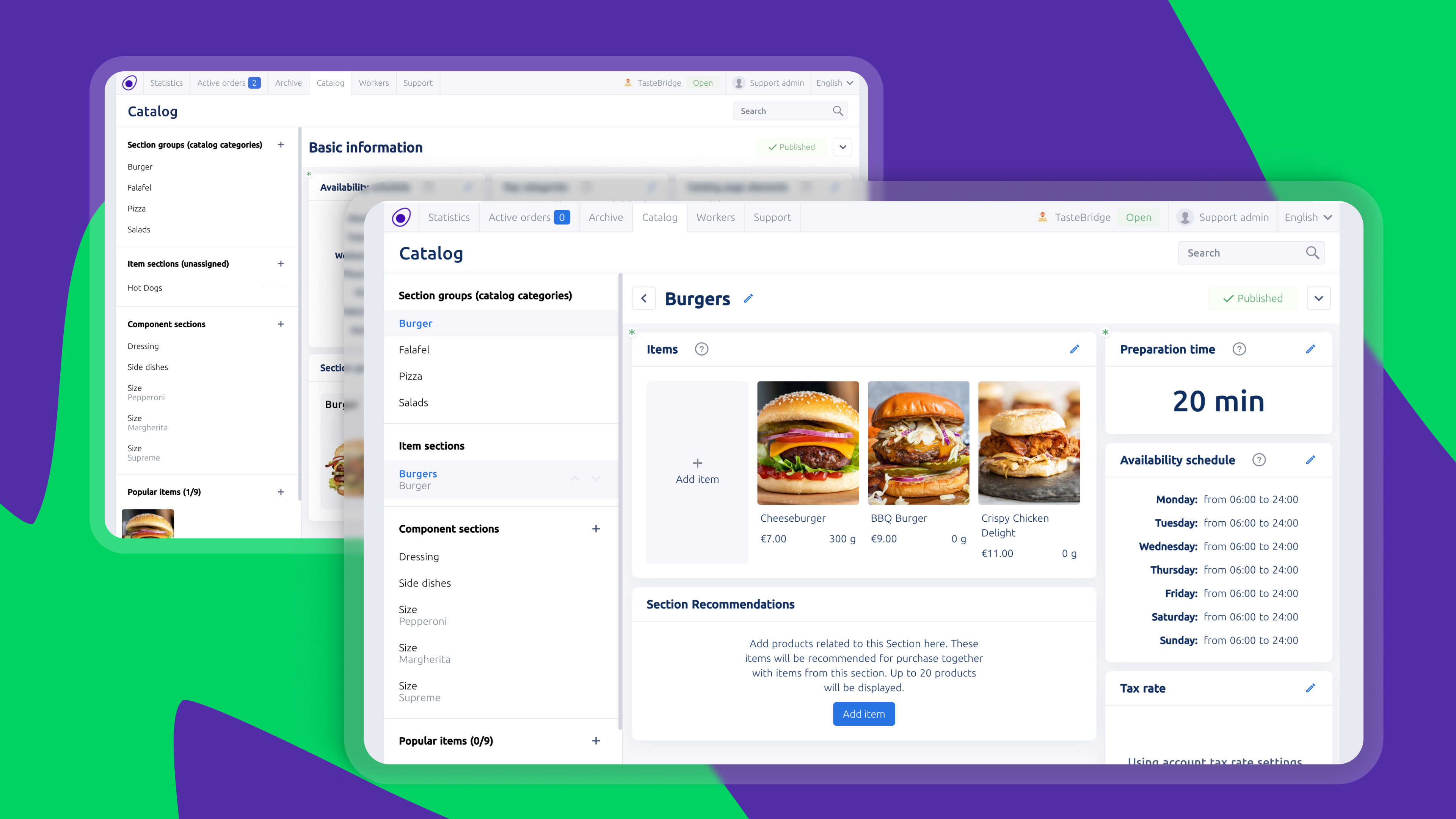
In simple terms, each vendor gets their own workspace inside your delivery marketplace. This means your team doesn’t need to manually update menus, stock availability, or store settings, making it much easier to scale as more partners join.
For your operations team
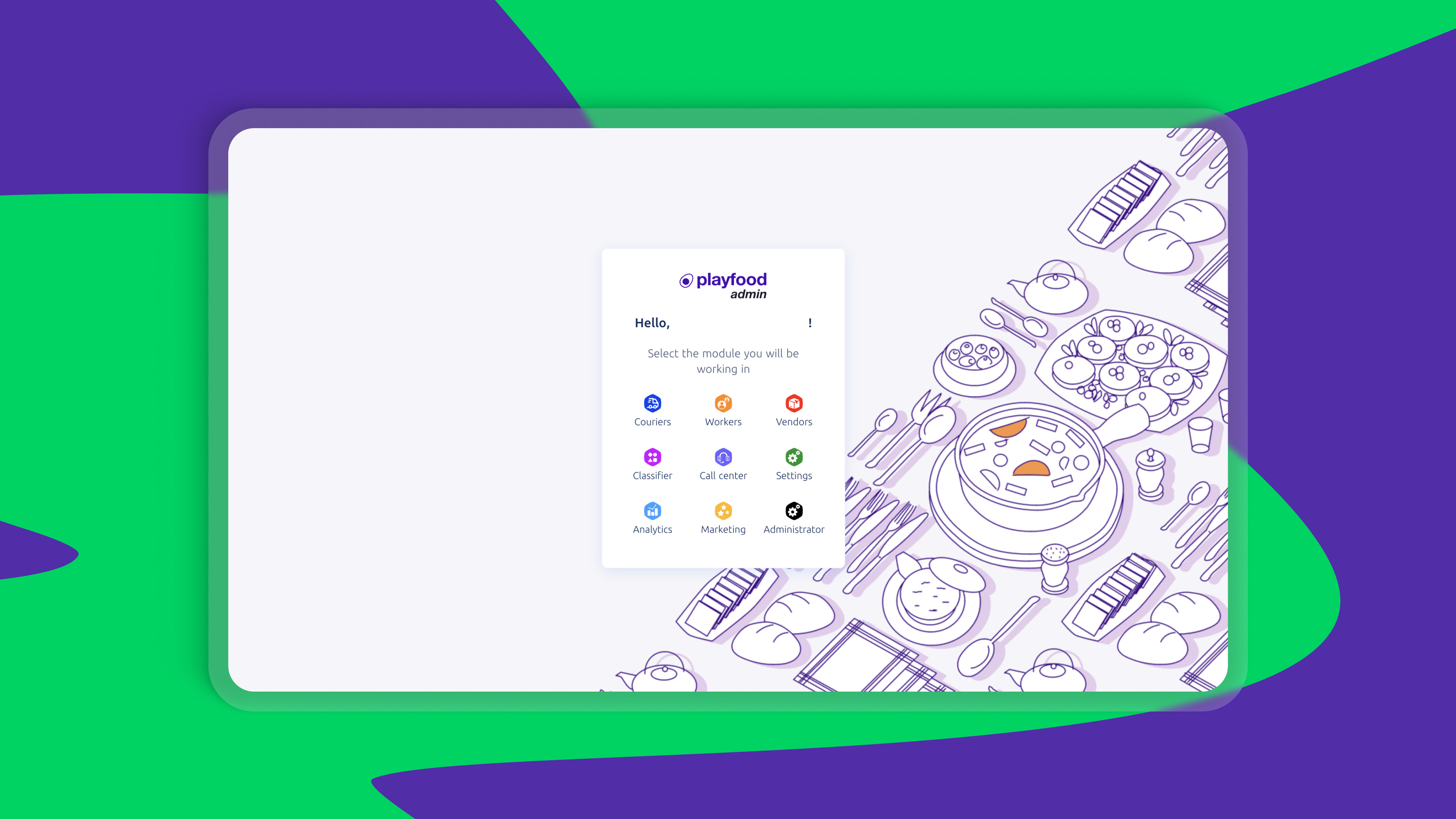
Behind the scenes, the Super App is managed through two admin environments.
Onde’s My hub handles the ride-hailing side of the business: drivers, ride services, tariffs, fleet settings, analytics, and reporting. This is where you can manage the mobility operation and assign whether drivers can also work as couriers.
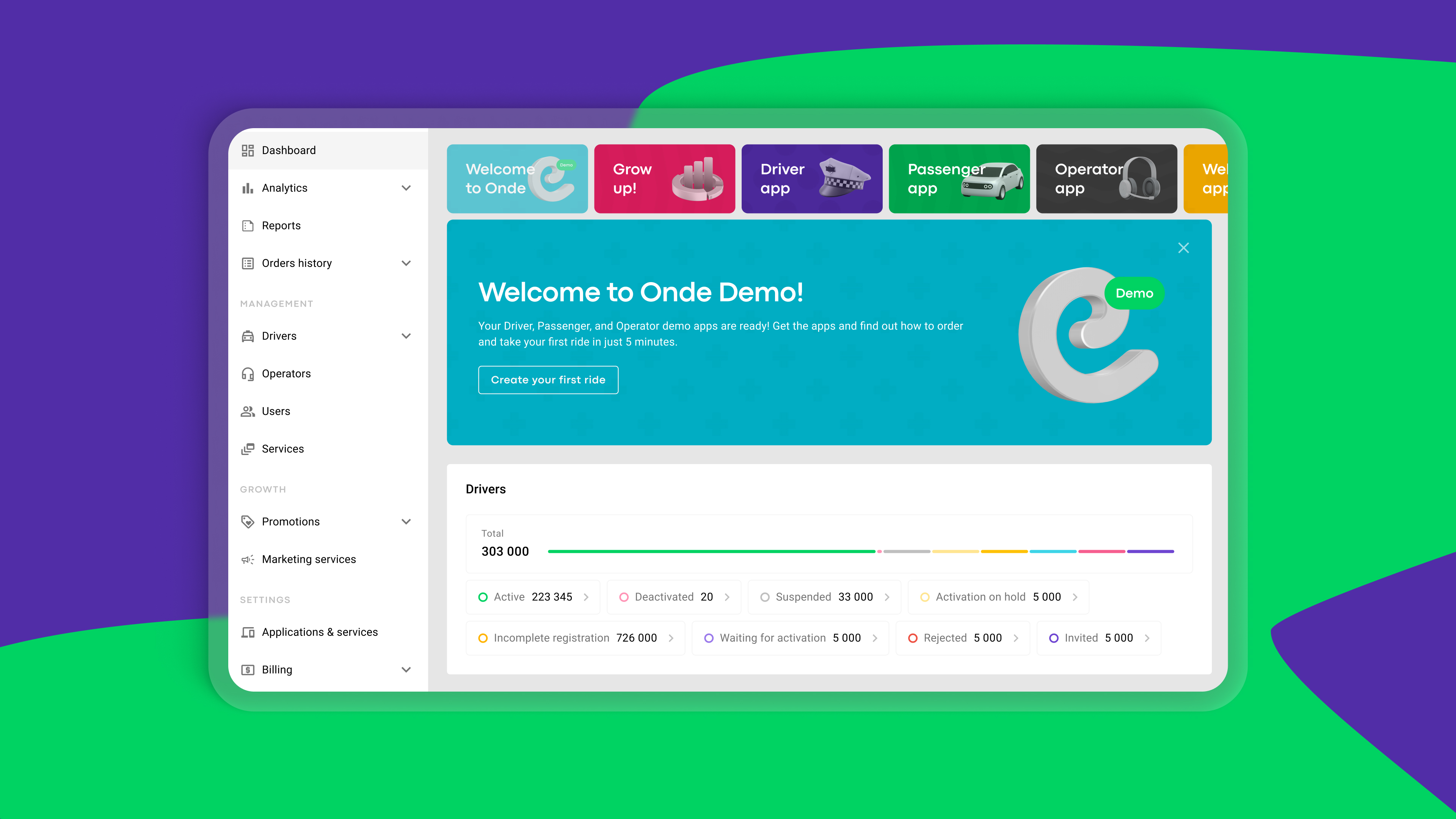
Playfood’s admin dashboard manages the delivery marketplace side, with dedicated sections for marketing, vendors, couriers, analytics, customer support, and more. This is where your team runs the marketplace, launches promotions, monitors order flow, and scales the delivery vertical.
How an order moves through the Super App
Let's follow a single order from start to finish to understand how the Super App works in practice.
1. The customer places an order
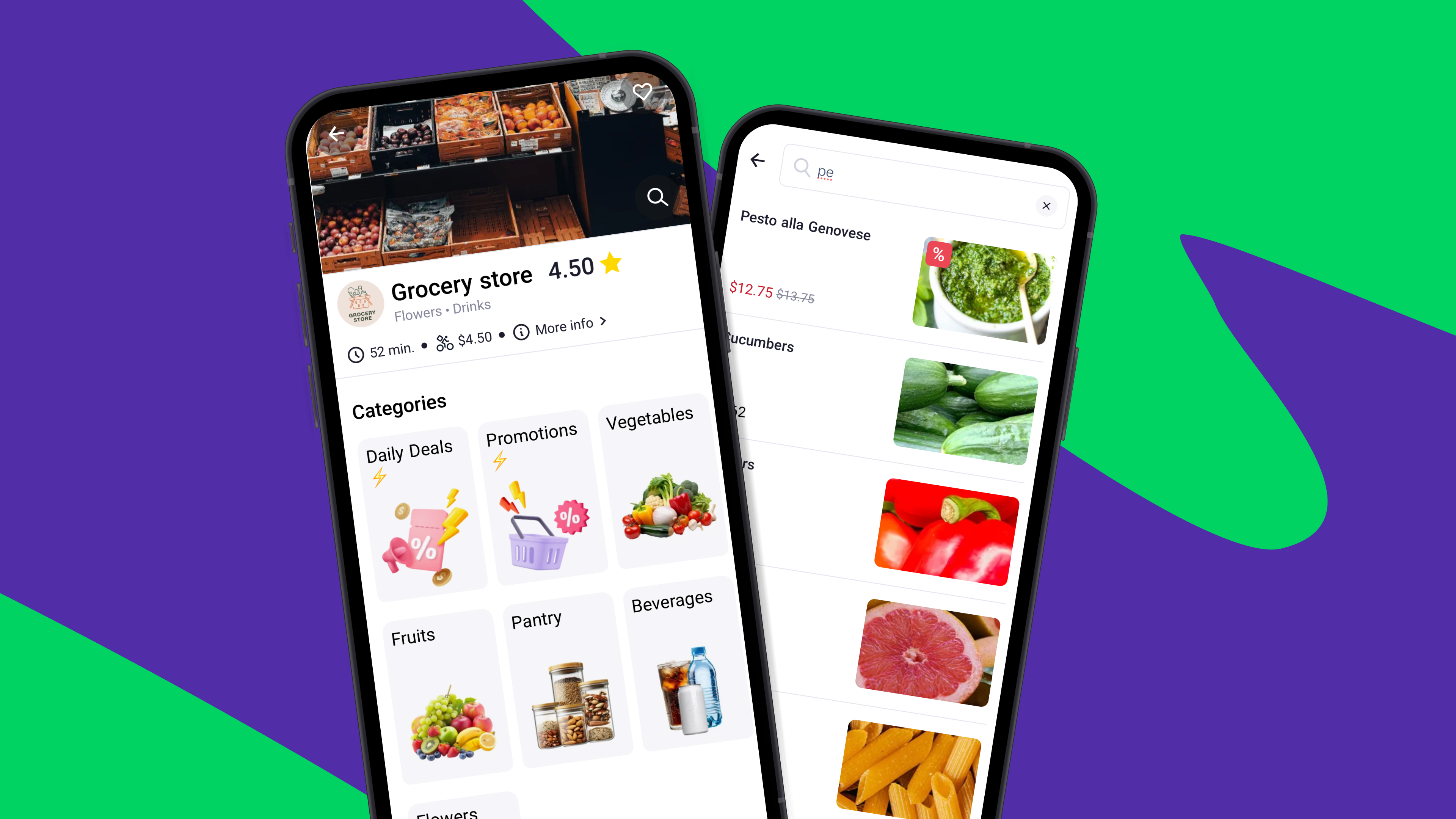
It all starts in the customer app or web marketplace. The customer browses available restaurants, grocery stores, or retail vendors, selects products, applies any promo codes, and completes the order using their preferred payment method (cash, card, or mobile money).
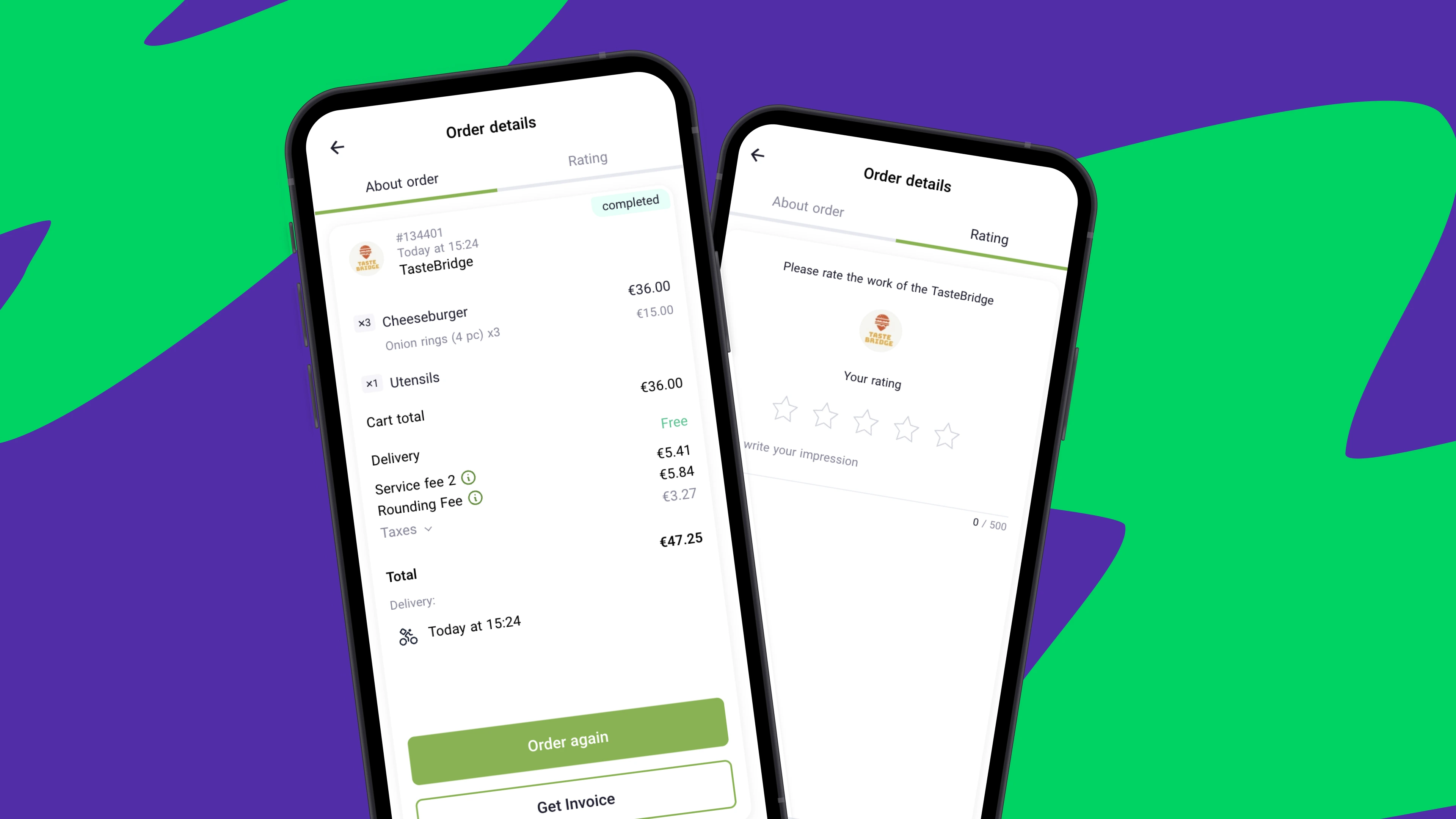
At this stage, you can also configure multiple fee types to support your delivery unit economics. For example, the marketplace can apply:
- markup fees on vendor orders, where restaurants or stores pay the marketplace under your partnership agreement
- service fees paid by the customer to the marketplace
- delivery fees
- cash handling or rounding fees
This gives you several ways to structure how the marketplace earns, depending on your region, vendor model, and customer payment habits.
2. The vendor receives and confirms the order
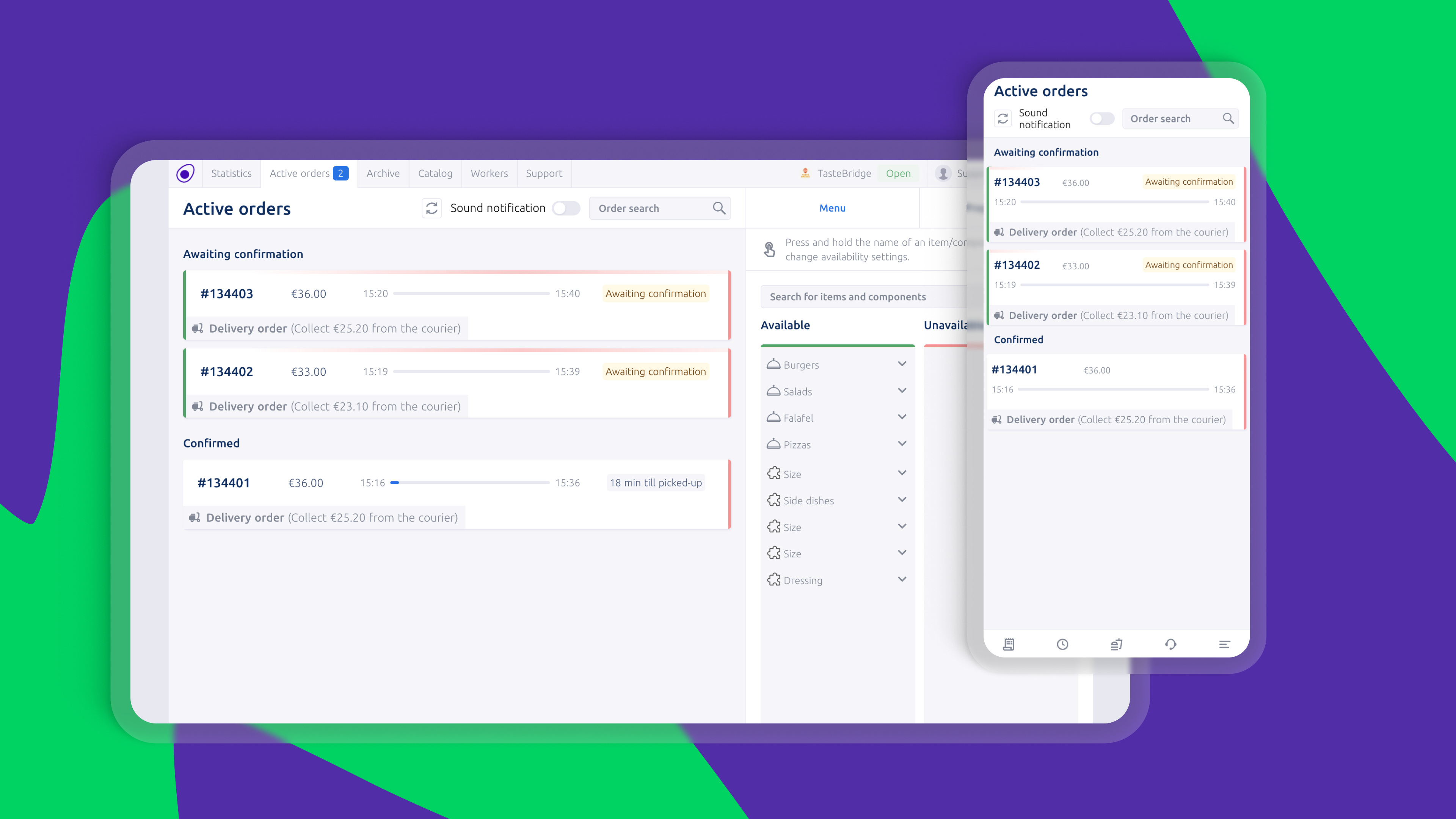
Once the order is placed, it is instantly sent to the vendor’s system. This can be accessed through the vendor mobile app, tablet, web panel, or even a connected printing device. The vendor reviews the order and either confirms it or declines it.
If the kitchen or store is busy, they can also add extra preparation time. The customer is automatically notified of any delay, which helps to keep things transparent and reduces support requests.
At the same time, vendors can update item availability and preparation times directly from their panel.
3. The system assigns a courier
As soon as the order is confirmed, the platform automatically looks for the best available courier. The assignment logic takes into account several factors, such as:
- distance from the vendor
- courier delivery radius
- driver availability
- internal courier performance score
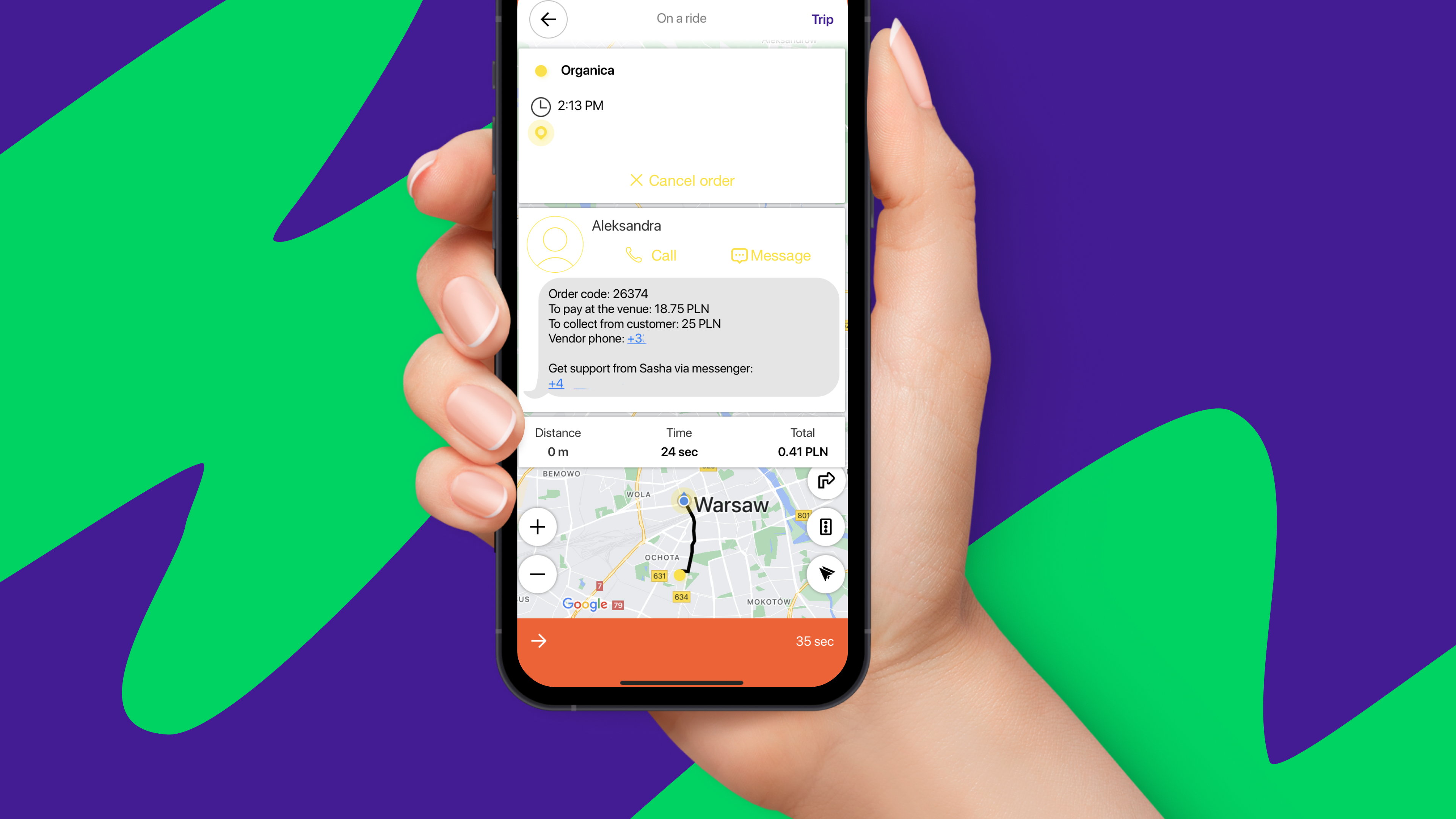
This is where the Onde and Playfood integration really comes to life: the marketplace triggers the order, while the mobility infrastructure handles courier logistics. A shared order code is displayed to both the vendor and the courier to ensure smooth handoff at pickup.
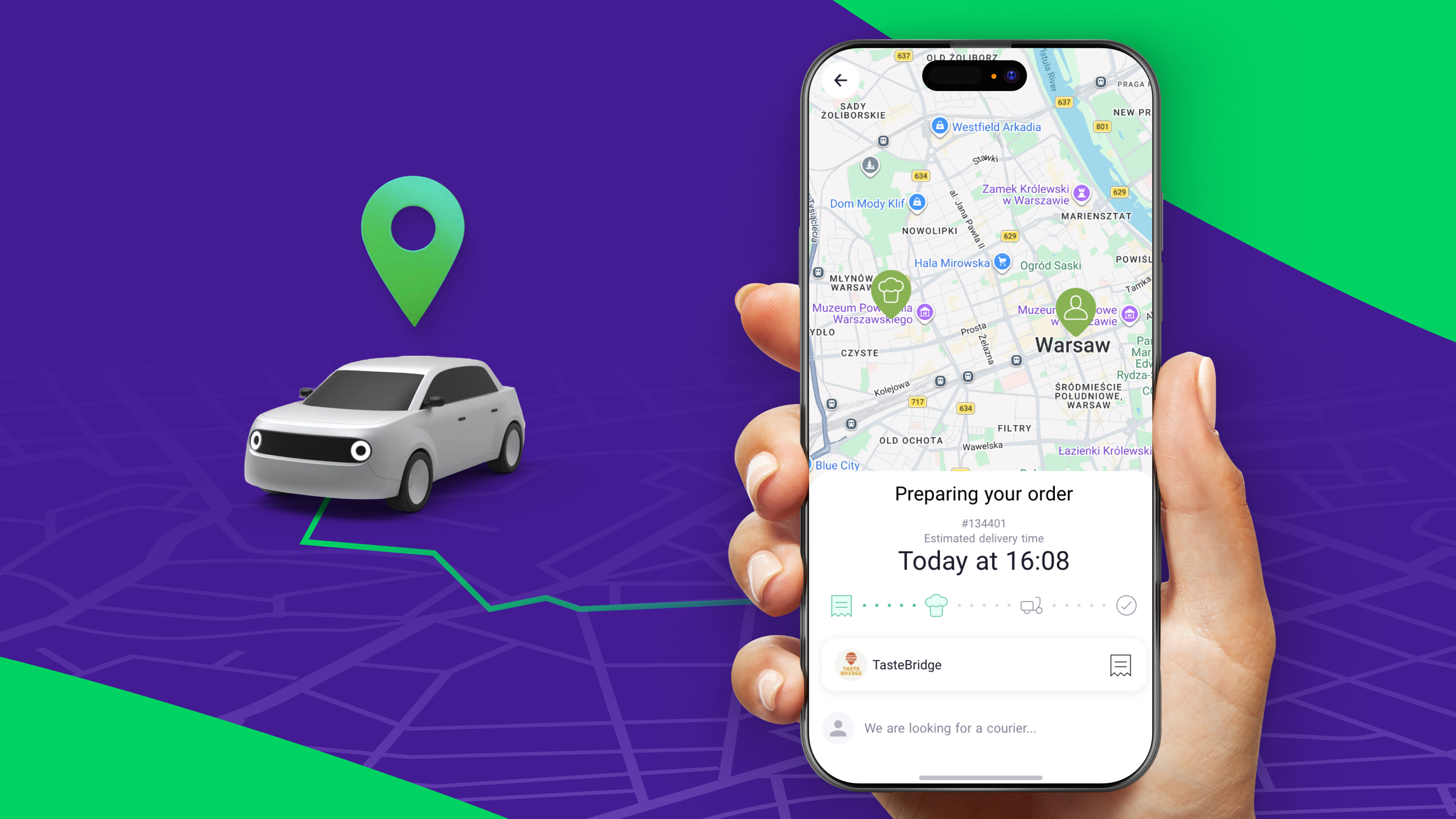
4. The customer can track delivery in real time
Once the courier is on the way, the customer receives a push notification and can track the delivery live on the map. The app shows the courier’s real-time location, estimated arrival time, and contact details. The customer and the courier can call or message each other if needed.
5. The order is completed
After delivery, the courier marks the order as completed with a simple swipe. The customer can then rate both the vendor and the courier, helping maintain service quality across the marketplace.
From launch to steady growth: get started in 6 weeks
So, how quickly can a Super App realistically go live? The short answer: around 6 weeks for a full launch of both ride-hailing and delivery services in parallel. That timeline refers not just to the technical setup, but to the point where the business is fully live and actively operating.
In practice, the launch happens across two parallel tracks.
Track A: Technical setup
This includes preparing and configuring the Onde and Playfood platforms, branding the customer and driver apps, setting up admin environments, and publishing everything for your market.
If the partner is fully prepared and operational requirements are already clear, this phase can be completed in less than a few weeks.
Track B: Business rollout
The operational launch is where the project moves from software setup into real-world operations:
- onboarding drivers and couriers
- recruiting restaurants and stores
- uploading menus and product catalogs
- preparing customer support and dispatch processes
- setting pricing, fees, and service areas
This is usually the part that determines the overall timeline.
Already using Onde? The timeline is shorter
For existing Onde ride-hailing partners who want to add Playfood as a delivery layer, the process is typically faster and can be completed in 3-4 weeks. The exact timeline will always depend on your market readiness and business goals, which is why the best next step is to discuss your current setup with our team.
People Also Ask
-
Yes, and this is one of the biggest advantages of the super app model.
Your existing drivers can continue handling passenger trips during peak hours while also being available for delivery orders. Both service types can run simultaneously, helping keep drivers earning and vehicles moving throughout the day.
Of course, if your business model calls for it, you can also keep rides and delivery separate by onboarding dedicated couriers.
-
Absolutely. Many partners start with rides and food delivery first, then expand into grocery, pharmacy, parcel, or retail delivery as the business grows.
The idea is to build on what’s already working, rather than launching every vertical on day one.
-
Yes! You’re not expected to figure this out alone.
The onboarding process covers both the technical setup and the business launch of your Super App. On the Onde side, this includes platform configuration, app setup, walkthrough sessions, and hands-on guidance tailored to how your mobility business operates.
For the delivery side, you’ll also have dedicated support from PlayFood, including a separate account manager with deep expertise in delivery marketplace operations. This means you get guidance not only on the technology, but also on vendor onboarding, catalog setup, and launch best practices for your delivery vertical.
-
Yes. Drivers can be enabled for one service or both.
For example, if ride requests are quiet during the middle of the day, drivers can turn on delivery orders from the same app and continue earning instead of waiting for the next trip.
This flexibility is one of the main reasons many mobility businesses expand into delivery.
-
No, with Onde's Super App everything is unified. Customers use one branded app to book rides and place delivery orders, while drivers use one app to accept both trips and courier requests.
That simplicity is important for both customer retention and operational efficiency.
-
Both Onde and Playfood support partners with launch planning, customer acquisition ideas, and go-to-market guidance. We'll help you introduce new services in a way that feels clear and natural to your users.
-
Yes, it does. If you operate multiple vehicles under one business account or work with fleet partners, the platform can support that setup. The exact configuration depends on how your business is structured.
-
The platform is built for global markets and can be adapted to different countries, regions, and operating models. The exact integrations available, such as payment gateways and local operational settings, may vary by region.
The best way to confirm local integrations and launch specifics is to speak with our team about your market.
Like the article? Share it with your friends!
Related posts
-
 The European taxi and ride-hailing market is one of the most fragmented and competitive in the world. In this environment, the right technology stack can give a taxi business a decisive edge.
Top 5 Ride-Hailing Software Platforms in Europe in 2026
-
 Planning to start a mobility company in Europe? Discover proven business models, niche opportunities, and tools that help operators grow in competitive markets.
How to Start a Mobility Business in Europe: Business Models & Services That Work
-
 A weak driver app leads to churn and lost revenue. Learn which features keep drivers engaged, boost efficiency, and turn your platform into a scalable operation.
Driver Apps in 2026: What They Need to Have and Why It Matters